Elastic Cloud Serverless Cross-project search (CPS) lets one Elastic Security origin project run detection, triage, investigation, and response workflows across linked projects while keeping each tenant’s data isolated. In testing, a single origin handled about 2,100 prebuilt detection rules across 100 linked projects, with ES|QL guidance, operational limits, and clear boundaries on what CPS can and cannot do. #ElasticCloudServerless #ElasticSecurity #CrossProjectSearch #ES|QL
Keypoints
- Cross-project search (CPS) on Elastic Cloud Serverless centralizes security operations without moving data out of linked projects.
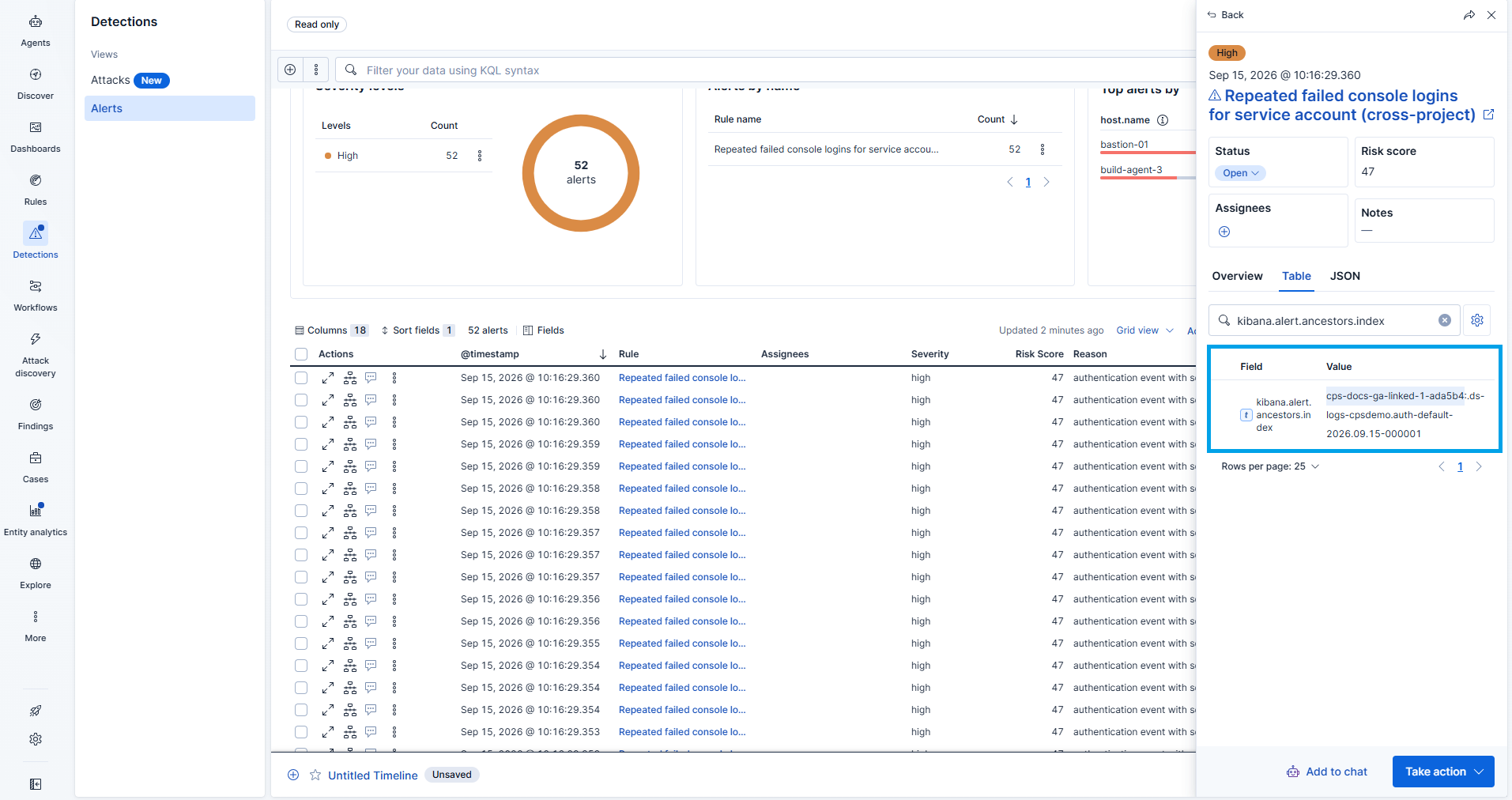
- One origin project can run detection rules across all linked projects, producing alerts in a single queue.
- Analysts can triage and investigate centrally through Alerts, Timeline, Discover, and ES|QL while data remains in tenant-owned projects.
- Response actions such as closing alerts, isolating hosts, and running osquery must occur in the project that owns the data.
- Elastic tested the model at scale by linking one origin to 100 projects and running roughly 2,100 prebuilt detection rules.
- Performance guidance emphasizes projecting columns with KEEP, using query shapes carefully, and tuning rule count and schedule frequency.
- CPS has important limits: some features are read-only or unsupported across project boundaries, and all projects must remain within one Elastic Cloud organization.
MITRE Techniques
- [T1078 ] Valid Accounts – The article describes hunting for and responding to activity involving a service account across linked projects, implying use of legitimate credentials (‘hunt one user’s activity across every linked project at once’ and ‘svc-deploy’).
- [T1110 ] Brute Force – Repeated failed AWS console logins are used as the initial suspicious signal being detected and triaged (‘repeated failed AWS console logins’).
- [T1098 ] Account Manipulation – The investigation chain includes password reset, privilege escalation, and access key creation, indicating modification of account settings and privileges (‘password reset, privilege escalation, access key creation’).
- [T1078 ] Valid Accounts – The sequence includes creation and use of access keys after privilege changes, consistent with abuse of legitimate accounts (‘CreateAccessKey’).
- [T1484.001 ] Domain or Tenant Policy Modification – The example specifically mentions attaching a user policy during the chain of activity, which reflects policy manipulation (‘AttachUserPolicy’).
Indicators of Compromise
- [File/Index Pattern ] Detection and hunt scope across projects – logs-*, cloud-team:logs-*, and .alerts-security.alerts-*.
- [Cloud Service Event Names ] Suspicious AWS activity observed in investigation flow – AttachUserPolicy, CreateAccessKey.
- [Numeric Scale / Environment Size ] Test deployment scale – 100 linked projects, ~2,100 prebuilt detection rules.
Read more: https://www.elastic.co/security-labs/blog/centralized-alert-triage-cross-project-search