This article explains the process of analyzing a hidden payload within an image file using both static and dynamic methods. It highlights the use of specific tools to decode embedded data and confirms the payload is a .NET DLL with matching SHA256 hashes. #Steganography #Xavier #PEfile #JPEG #Base64
Keypoints
- Dynamic analysis revealed a JPEG image download containing embedded data.
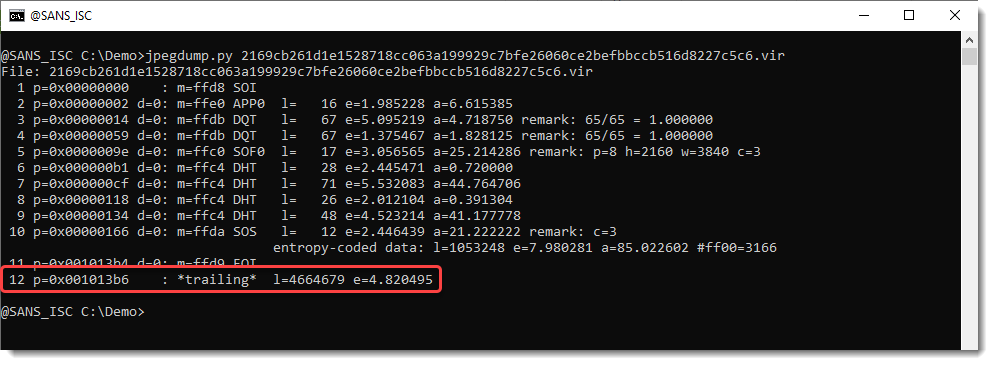
- Tools like jpegdump.py help identify data appended after the End Of Image (EOI) marker.
- The payload includes a Base64-encoded string starting with the MZ header, indicating a PE file.
- An unusual ‘@’ character in the Base64 string is a substitute for ‘A’.
- The SHA256 hash of the decoded payload matches the published hash for the .NET DLL.
Read More: https://isc.sans.edu/diary/32048